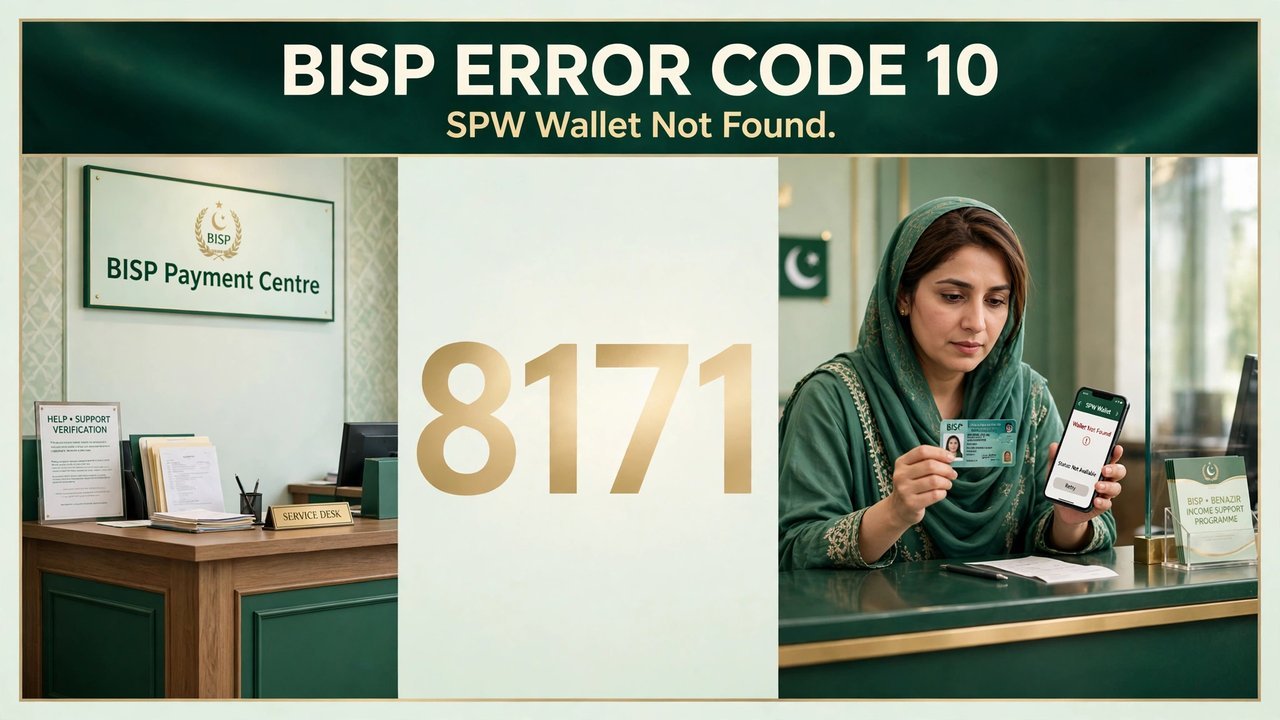
Many Benazir Income Support Programme beneficiaries see the message “SPW Wallet Not Found” when they try to receive their payment, and the process stops before the money reaches them. The message is linked to Error Code 10 in the 8171 payment system: the system cannot find the wallet account attached to the beneficiary’s record. The BISP Error Code 10 problem is usually a verification or wallet-activation issue, not a rejection, and it can be fixed by checking the 8171 status, completing biometric verification at the bank, or calling the helpline.
BISP Error Code 10 at a Glance
The main details are summarised below.
| Details | Information |
|---|---|
| Programme | Benazir Income Support Programme (BISP) |
| Error Message | SPW Wallet Not Found |
| Error Code | 10 (as reported by beneficiaries) |
| What SPW Means | Social Protection Wallet |
| Status Check | Send CNIC by SMS to 8171 |
| Official Portal | 8171.bisp.gov.pk |
| BISP Helpline | 0800-26477 (toll-free) |
| Official Website | bisp.gov.pk |
What Does SPW Wallet Not Found Mean?
SPW stands for Social Protection Wallet, BISP’s digital wallet system. BISP gives a free SIM to eligible women, and the payment is sent through this wallet.
When the system cannot find the wallet, it cannot transfer the payment. The payment stays pending until the wallet is created or linked to the beneficiary’s CNIC.
- Wallet Not Created: The wallet account may not have been opened yet.
- Wallet Not Active: The account may exist but is not active in the payment system.
- SIM Not Linked: The wallet SIM may not be registered on the beneficiary’s own CNIC.
- Verification Pending: The Dynamic Survey record may still need verification.
Why Does Error Code 10 Appear?
The cause decides the fix, and most cases come down to verification or account activation rather than eligibility.
- Account Opening Incomplete: The wallet account may not have been opened at the bank or BISP centre.
- Biometric Verification Required: The beneficiary may still need biometric verification before the wallet can receive payments.
- Registration Status Unclear: The Dynamic Survey record may be incomplete, or the CNIC details may not match the wallet.
- System or Sync Delay: Payments are released in batches, and a wallet may take time to show the transfer.
How to Fix BISP Error Code 10
Follow the steps below in order, and do not pay anyone to fix the error for you.
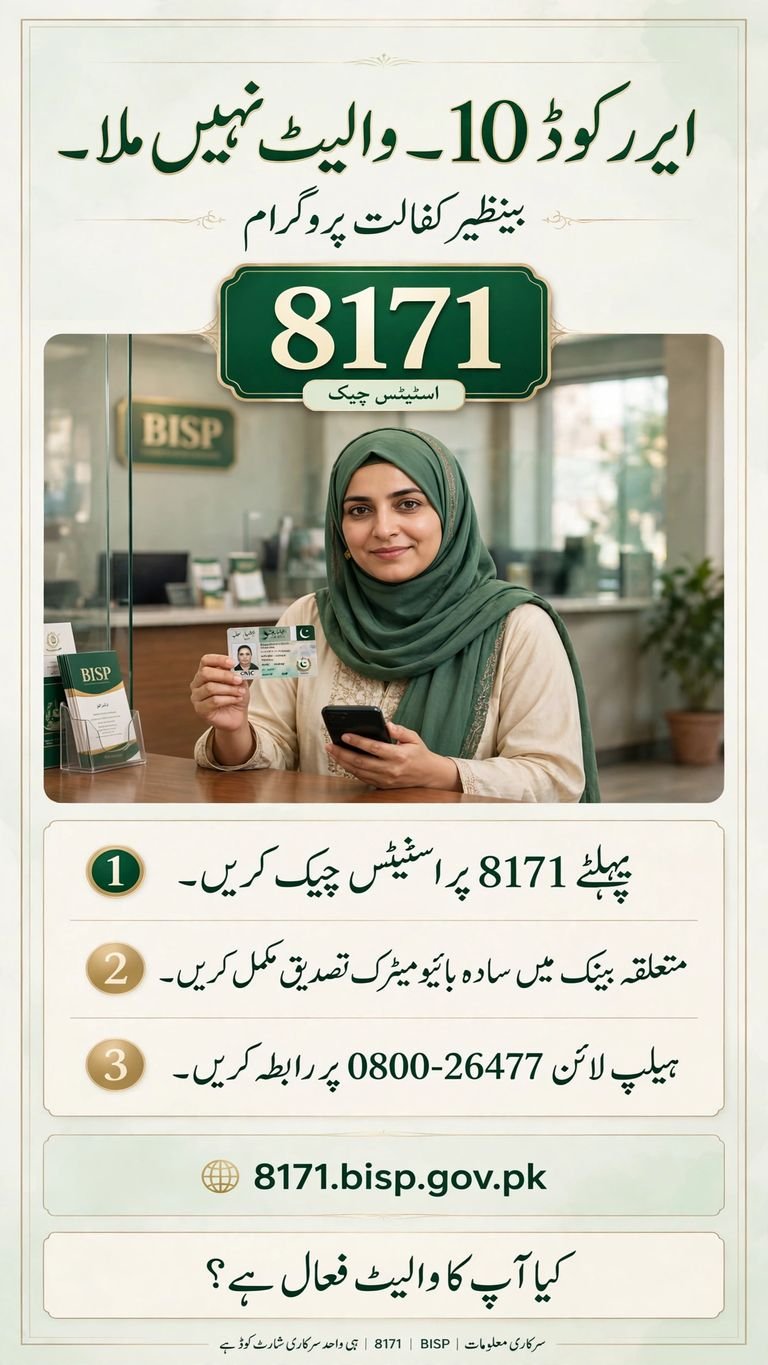
- Check Your Status Through 8171: Send your 13-digit CNIC number by SMS to 8171 or check the official 8171 portal. Confirm your Dynamic Survey registration and whether your payment is approved. Do not visit a bank before you know your status.
- Complete Simple Bio Verification at the Bank: If you are dynamically registered, visit the relevant partner bank with your original CNIC and ask for Simple Bio verification. Tell the staff you are facing the SPW Wallet Not Found error so they can complete the verification and account procedure.
- Contact the BISP Helpline: If the problem continues after the bank visit, call the BISP helpline at 0800-26477 and explain that you are receiving Error Code 10. The helpline can guide you on opening the wallet account.
- Visit a BISP Tehsil Office: If the wallet still does not appear, visit the nearest BISP tehsil office with your original CNIC. Staff can check your record, correct mismatched details and guide you on reactivation.
Quick Fix Guide for Error Code 10
| Situation | What to Do |
|---|---|
| SPW Wallet Not Found error appears | Check status through 8171 |
| Dynamically registered | Visit the relevant bank |
| Biometric verification required | Complete Simple Bio |
| Wallet account still unavailable | Call 0800-26477 or visit a BISP office |
| Account-opening issue | Ask for help opening the account |
Documents to Take to the Bank
Take your original Computerised National Identity Card, your BISP registration details and the exact error message shown on the screen. Also keep any payment message from 8171 or the bank, so staff can help you faster.
Important Safety Points for Beneficiaries
- Never Share OTP or PIN: Never share your OTP, PIN or wallet password with anyone, even callers claiming to be from BISP.
- Never Pay an Agent: Registration, status checks and wallet activation are free. Anyone demanding money to fix your wallet is a fraud.
- Trust Only 8171 Messages: Only messages from 8171 are from BISP. A payment message from an ordinary mobile number is a scam.
- Keep Your SIM Safe: The free SIM is your digital wallet, so guard it like cash and report any illegal deduction on 0800-26477.
Conclusion
The 8171 BISP Error Code 10, shown as SPW Wallet Not Found, means the payment system cannot find the wallet account linked to the beneficiary. It is usually a verification or activation problem. Check your status through 8171, complete Simple Bio verification at the relevant bank if you are dynamically registered, and call the BISP helpline at 0800-26477 or visit a BISP tehsil office if the wallet still does not appear. Beneficiaries should wait for the official 8171 confirmation before visiting a payment centre. Never pay an agent, and never share your OTP or PIN with anyone.
FAQs
What does SPW Wallet Not Found mean in BISP?
It means the payment system cannot find the Social Protection Wallet account linked to the beneficiary’s CNIC, so the payment cannot be completed until the wallet is activated.
How can I check my status for BISP Error Code 10?
Send your 13-digit CNIC number by SMS to 8171 or check the official 8171 portal. The reply shows your registration and payment status.
What should I do if I am dynamically registered?
Visit the relevant partner bank with your original CNIC and ask for Simple Bio verification, so the wallet account can be activated.
What is Simple Bio verification?
Simple Bio is simple biometric verification at the bank. It confirms the beneficiary’s identity through fingerprints so the wallet can receive payments.

Shahzad Sahil is the editor of 10thclassresultcheck.pk, covering 10th class results for BISE boards across Pakistan, with information verified from official board sources for students.
Latest Articles